What is the Read Codes Online feature?
If you are wondering about your phone’s default network unlock code, or you have repeatedly used the wrong code and the device now requires a so-called “unfreeze” code, this feature is for you. This may cost credits, but you will be warned during the process, or you can refer to our website for specific phone model information.
ChimeraTool featuresHow does Read Codes Online work?
You can check whether your phone requires unlock codes after you insert a SIM card from a carrier which is currently not compatible with your device. If the phone displays an error message and asks you to enter the unlock codes your device can be unlocked with this method. In order to get the codes, you need to connect your phone in ADB mode to the tool and start the Read Codes Online procedure. After the procedure is finished we will display you the required codes, which can be used to unlock your device.
 Samsung Galaxy S5
 Samsung Galaxy S5
 Samsung Galaxy S5
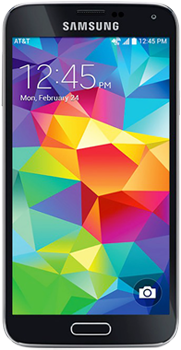 Samsung Galaxy S5
 Samsung Galaxy S5
 Samsung Galaxy S5View all Samsung models with Read Codes Online feature...