What is the Repair MAC feature?
Every NIC (Network Interface Card) has a unique MAC address (Media Access Control). This applies to all types of network cards, including Ethernet cards and WiFi cards. The MAC Address is a six-byte number or 12-digit hexadecimal number that is used to uniquely identify a host on a network. All MAC addresses are hard-coded into a network card and can never be changed. However, they can be changed or spoofed in the operating system itself.
The Repair MAC function is for restoration of the original MAC address of a device. This can fix issues if they originate from a damaged or changed MAC.
ChimeraTool featuresHow does Repair MAC work?
If you want to use this feature on a device, then you will need to connect the device in ADB mode. After you connected it correctly and the device has been recognized, you will be able to choose the Repair MAC feature.
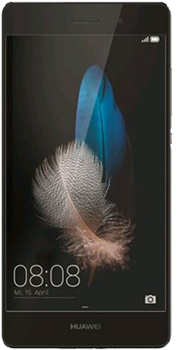 Huawei P8 lite
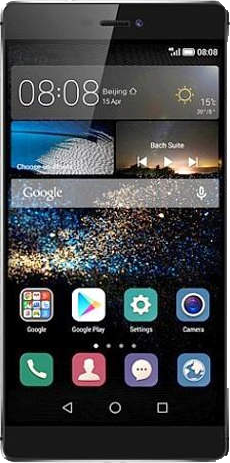 Huawei P8
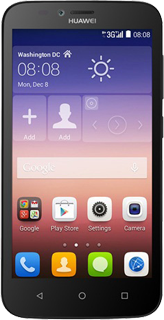 Huawei Y625
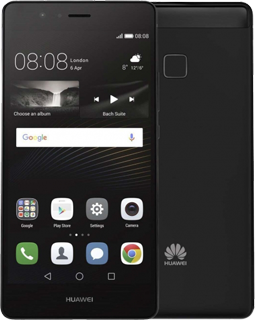 Huawei P9 lite
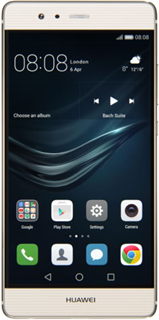 Huawei P9
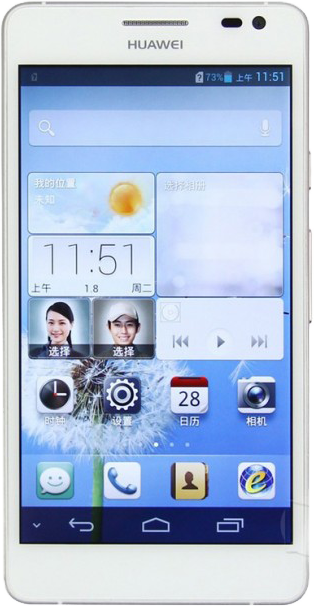 Huawei Ascend D2View all Huawei models with Repair MAC feature...
 LG G3
LG G3 LG G4c
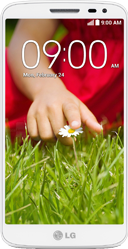 LG G2 Mini
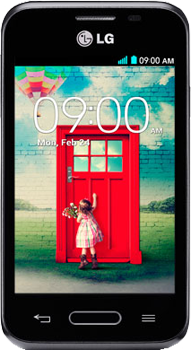 LG L40
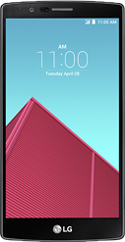 LG G4
LG G4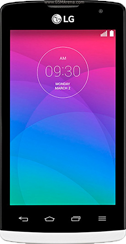 LG JoyView all LG models with Repair MAC feature...
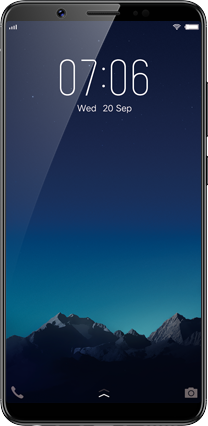 Vivo Y55L
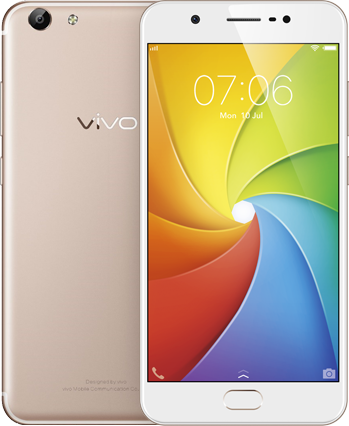 Vivo Y65
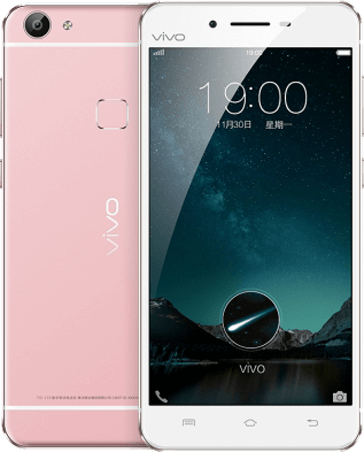 Vivo X6S
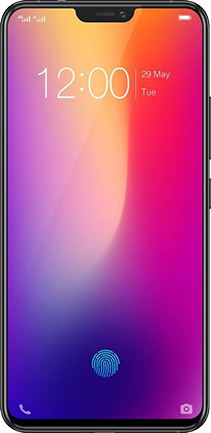 Vivo X21 (1725)